
Thank you for using Jicoo.
Jicoo is redesigning the booking page, the page your guests see when they book with you. This page explains what is changing, when the change takes effect, and what we recommend you check as a host.
Rollout begins: October 5, 2026 (starting with the Individual plan)
1. What is affected
The redesign applies to the screens your guests see when booking:
- Your public booking page
- Booking pages opened from a one-time link
- Booking pages embedded on your website (embed widget)
- The booking confirmation screen (theme color only)
The dashboard is not affected.
2. What changes
Note: The images below are illustrative. What you see depends on your booking page settings.
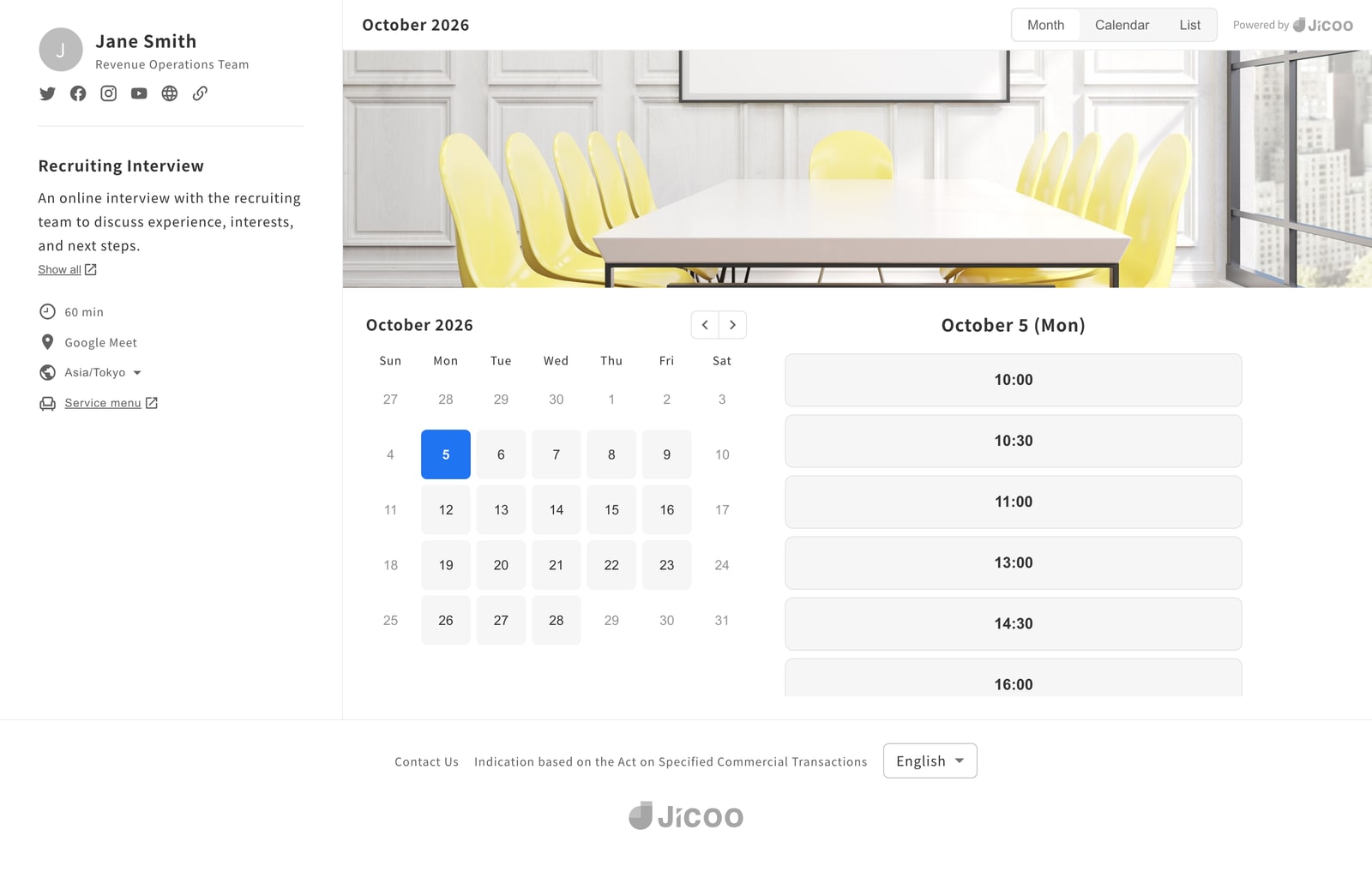
2-1. A redesigned date and time selection
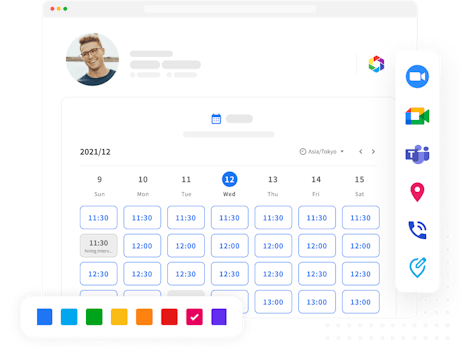
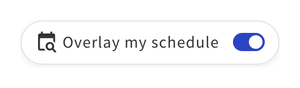
The calendar has a new visual design, and switching between display types (Month, Week, Day, Calendar, List) now uses tabs. The toggle that lets guests overlay their own schedule moves to the bar at the bottom of the screen.
2-2. Booking details are entered in a dialog
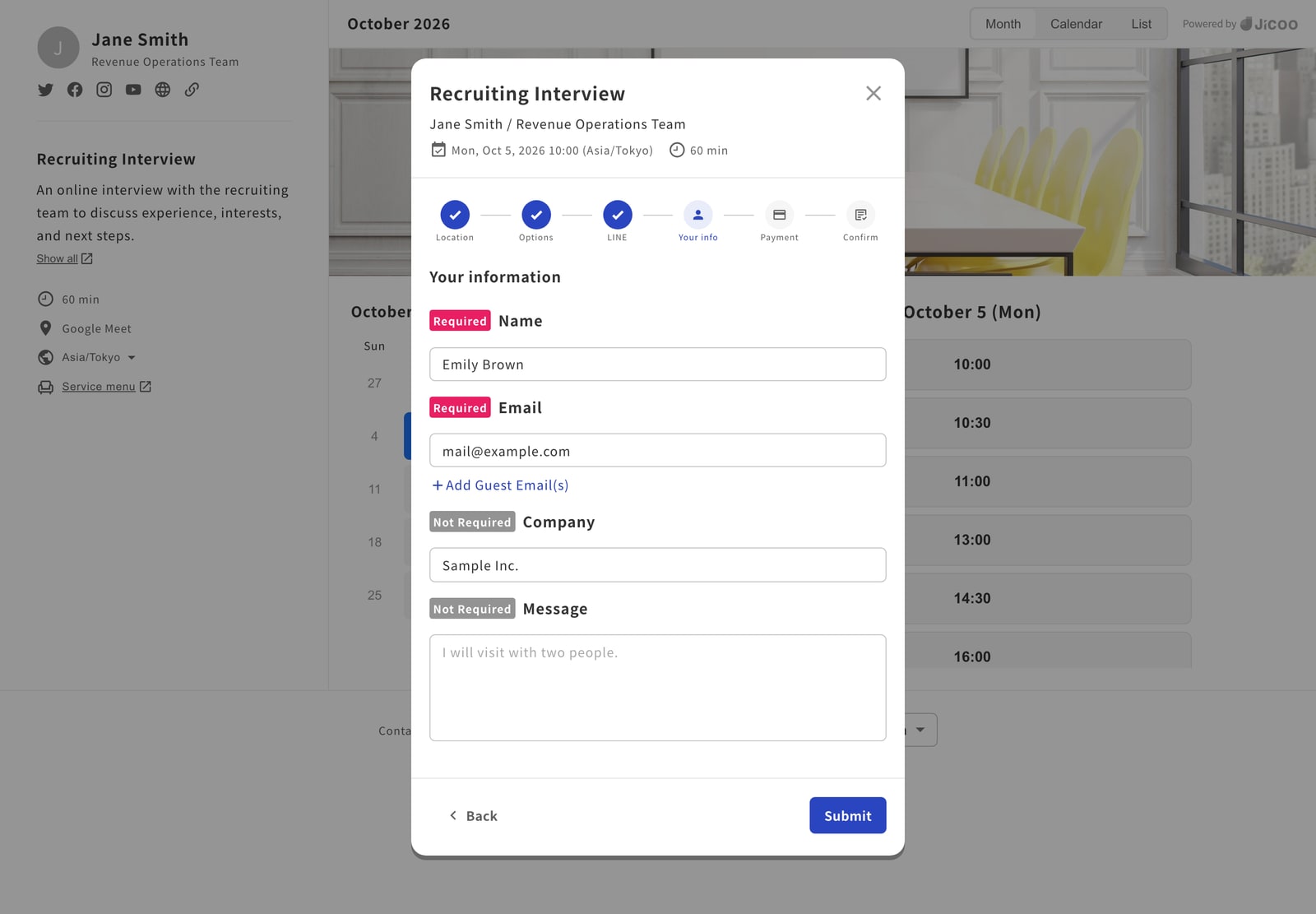
Until now, selecting a time replaced the whole page with a form. From now on, a dialog opens in the center of the screen and guides your guest through the steps. The fields your guests fill in, and the order they appear in, do not change.
2-3. The confirmation screen follows your theme color
The layout and wording of the confirmation screen do not change. The check icon, the "View Schedule" button, and the "Add to Calendar" buttons now use the theme color set on your booking page.
2-4. Changes to what hosts see
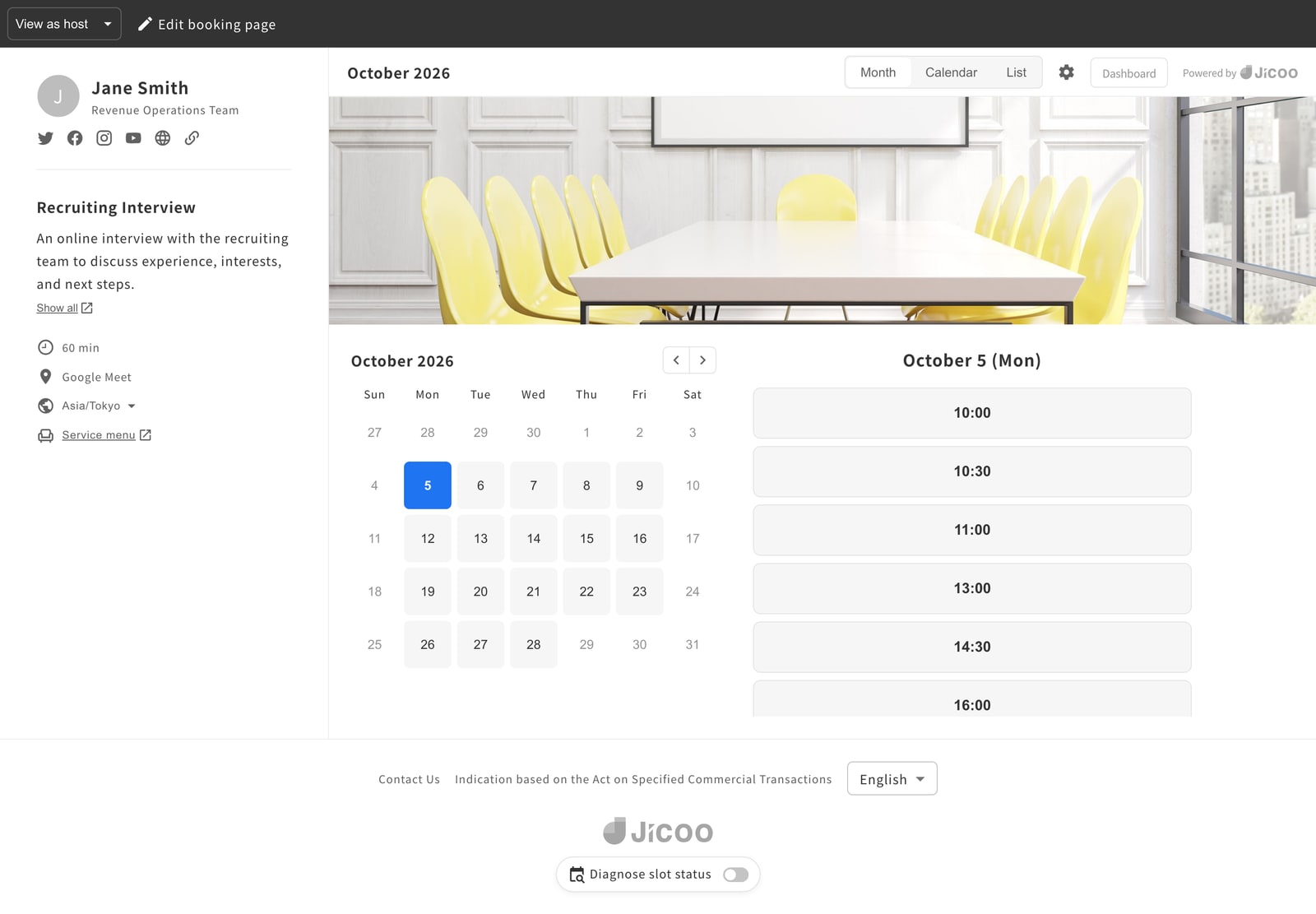
Some of the tools hosts see on their own booking page also change.
| Feature | In the new design |
|---|---|
| Debug mode | Renamed "Diagnose slot status" and moved to the bar at the bottom of the screen |
| Switching between the host and guest views | Use "View as host" / "View as guest" in the black bar at the top of the screen |
2-5. Some display types are consolidated
If your booking page uses a display type currently marked "Deprecated," it will be shown as the display type below in the new design. Your setting itself is preserved.
| Current setting | Shown in the new design as |
|---|---|
| Month (Deprecated) | Month |
| Month + Time (Deprecated) | Month |
| Calendar (Deprecated) | Calendar |
3. What does not change
The following are unaffected. No action and no setting changes are required on your side.
- Your booking page URLs and one-time links
- Embed code already installed on your website
- The questions your guests answer, and their responses
- Booking data, notification emails, webhooks, and the API
- Your booking page settings (display type, cover image, theme color, questions, and so on)
4. Rollout schedule
We are rolling out the new design in stages, plan by plan.
| Stage | Applies to | Timing |
|---|---|---|
| Stage 1 | Individual plan | Rolling out from October 5, 2026 |
| Stage 2 | All other plans | Rolling out after we review Stage 1 (planned for mid-October 2026 or later) |
- These dates are approximate and the schedule may change.
- Because the rollout happens gradually, you may see the previous and the new design on different booking pages during the same period.
5. About the previous design
Once your booking page has switched to the new design, it cannot be reverted to the previous design. There is also no setting for choosing between the two designs.
Maintaining two designs in parallel would slow down future improvements, which is why we are making the change this way. Thank you for your understanding.
6. What we recommend you check
- If you have materials that include screenshots of your booking page: Internal manuals, sales decks, and pages on your own website may need updated screenshots after the switch.
- If you embed your booking page on a website: No change to the embed code is required. After the switch, please check once that the embedded area still displays correctly.
- If you give your guests instructions for booking: The screen after selecting a time becomes a dialog. If your instructions describe that screen, please review them.
7. Frequently asked questions
Q. When will my booking page change?
The rollout starts with the Individual plan on October 5, 2026, and then extends to all other plans. These dates are approximate and may change.
Q. Can I keep using the previous design?
No. After the switch, the new design is the only design available.
Q. Can I switch my own booking page ahead of schedule?
No. The rollout proceeds by plan, in stages.
Q. Will my booking page URL or embed code change?
No. Embed code already installed on your site continues to work as it is.
Q. Are my existing bookings and settings preserved?
Yes. Booking data, notifications, and all settings are preserved.
Q. Was my display type setting changed?
No. Display types marked "Deprecated" are shown as their consolidated equivalent in the new design. See "2-5. Some display types are consolidated."
Q. Do I need to notify my guests in advance?
Jicoo does not contact your guests about this change. Please notify them yourself if you feel it is needed.
8. Contact us
If you have any questions, please see the Help center. If you need further help, contact us through the chat on the Help center.
Jicoo will continue to improve its products to make them easier to use. Thank you for choosing Jicoo.
About Jicoo
Introducing a schedule adjustment tool has many advantages for improving business efficiency. If you are having trouble choosing which schedule adjustment tool is best for you, we recommend that you start with a schedule adjustment tool that you can start using for free and that is fully equipped with features such as service integration and design customization as needed.
What is Jicoo, a free scheduling tool for teams?