


Feature 1Booking types for every business scenario
From 1-on-1 meetings to group interviews, poll-based scheduling, and intermediary coordination. Create the right booking page for any business scenario.
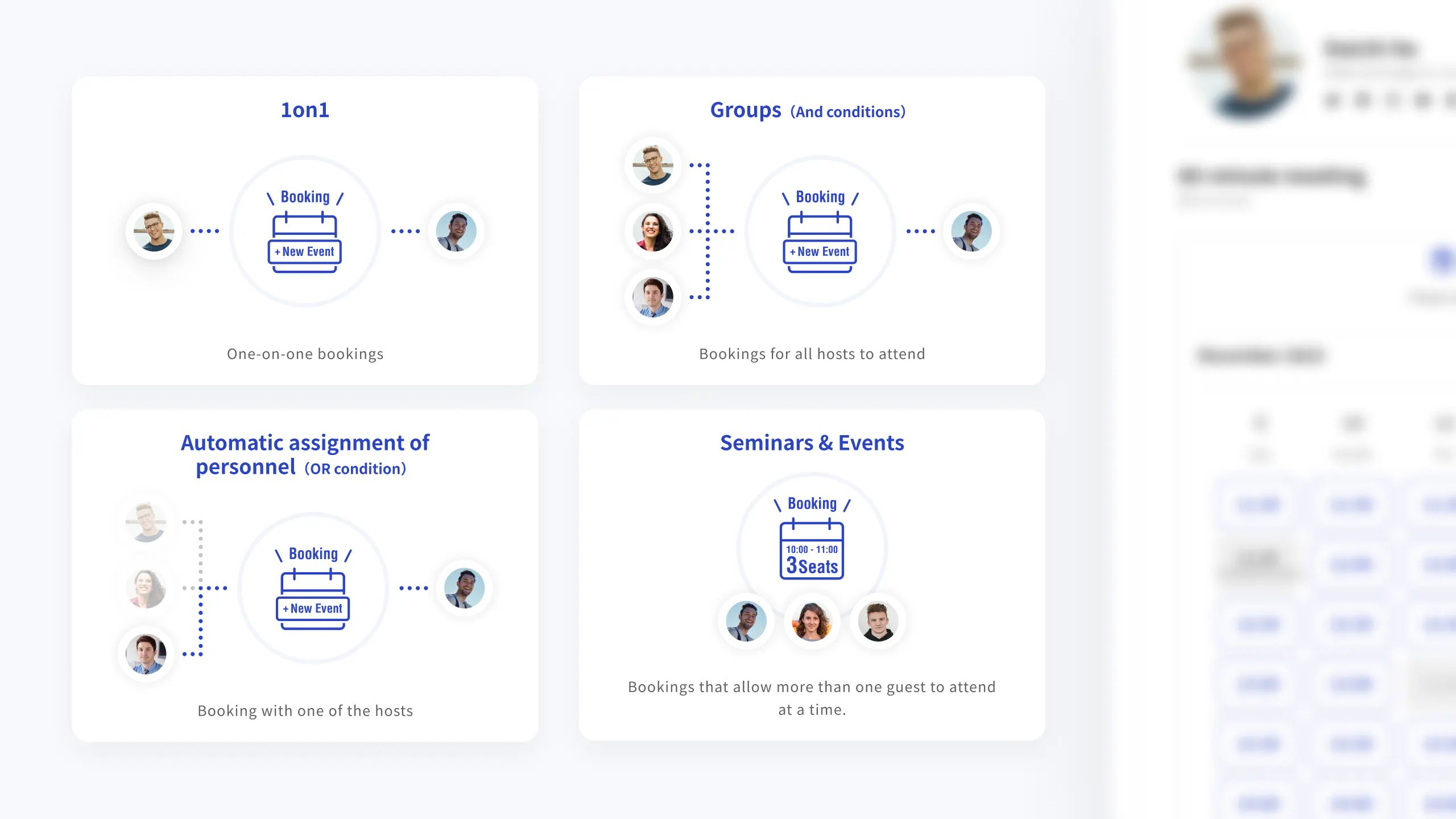




Use form answers to show a booking page or completion message, so qualified leads can schedule immediately after an inquiry.

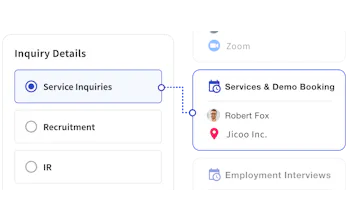
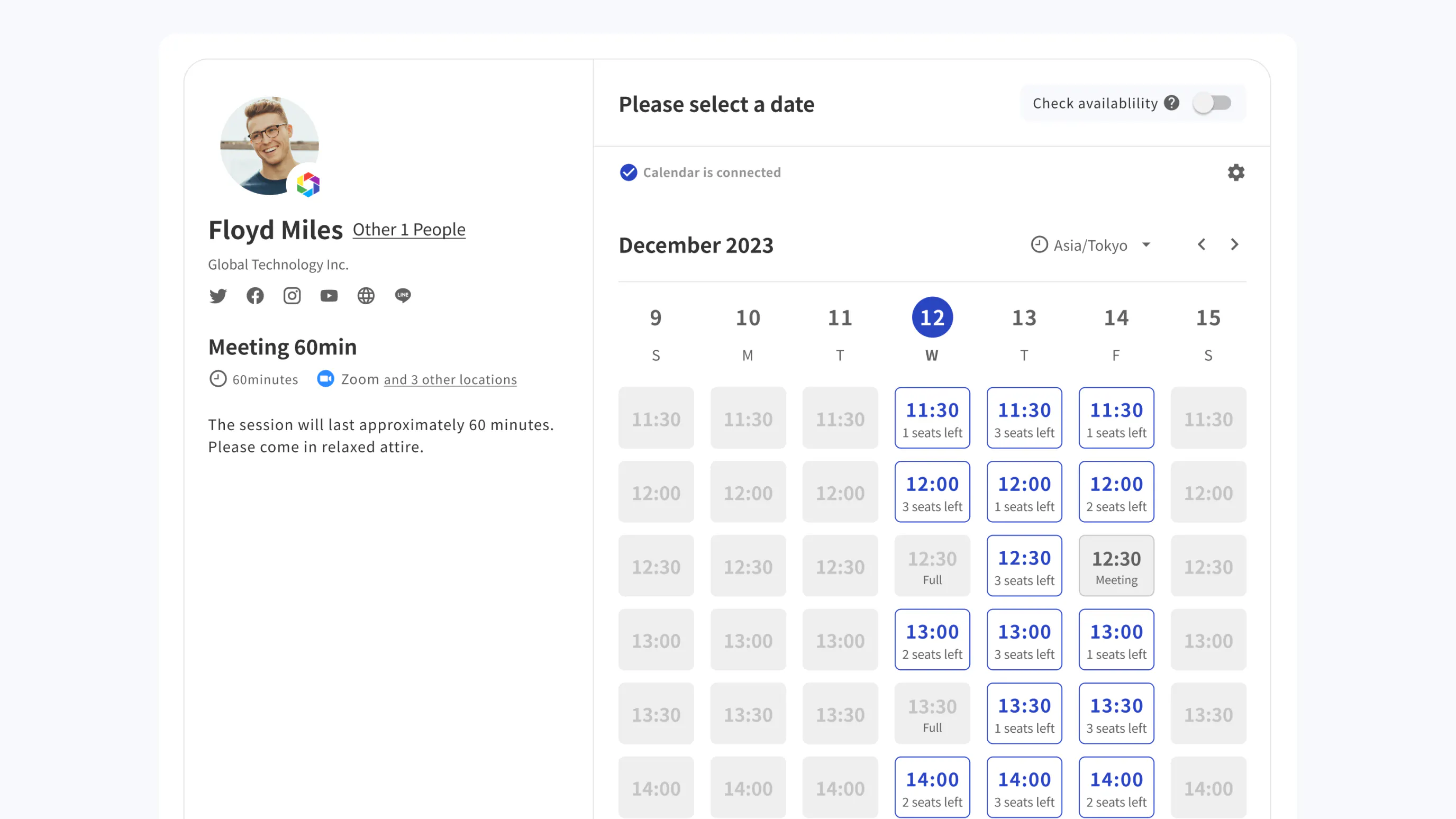
Syncs with calendars to display real-time availability on booking pages. Automatically assigns staff and schedules appointments.


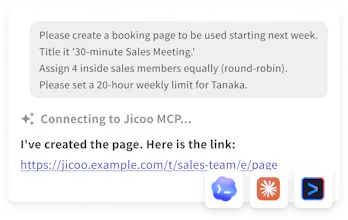
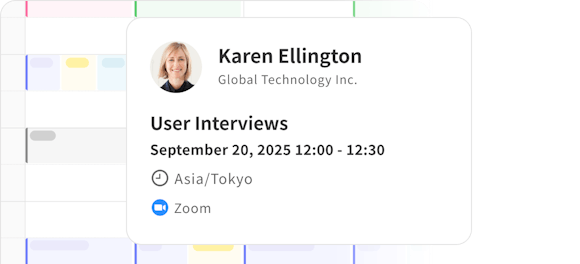
Automatically turn completed meeting content into structured data. AI analyzes the details and suggests improvements.


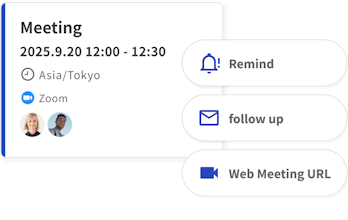
Connect multiple calendars such as Google Calendar and Microsoft Outlook to get real-time availability information. Prevent double booking and reduce the hassle of emails and phone calls. We also support automation of communication with customers such as reminders and follow-ups.


By combining the form function and booking page, you can easily build a highly customizable workflow. You can automatically assign the person in charge and department based on the form response, and even automate the entire scheduling and payment process.


We provide integration with a variety of external services such as calendars, web meetings, CRMs, and messaging tools. You can easily connect to services that are already in use in your workflow.

Automate meeting recording, transcription, summary, meeting minutes template, action items, and more with Meeting AI. Quickly review the meeting content and efficiently share information and make decisions within the team.

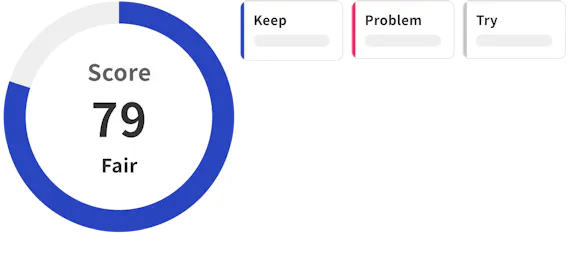

Create the right booking page for your needs, including 1-on-1, group, poll, intermediary, seminar, and event scheduling.
From 1-on-1 meetings to group interviews, poll-based scheduling, and intermediary coordination. Create the right booking page for any business scenario.
Choose from seven layouts, including month + date, weekly, monthly, calendar, and list views, to match your brand and use case.
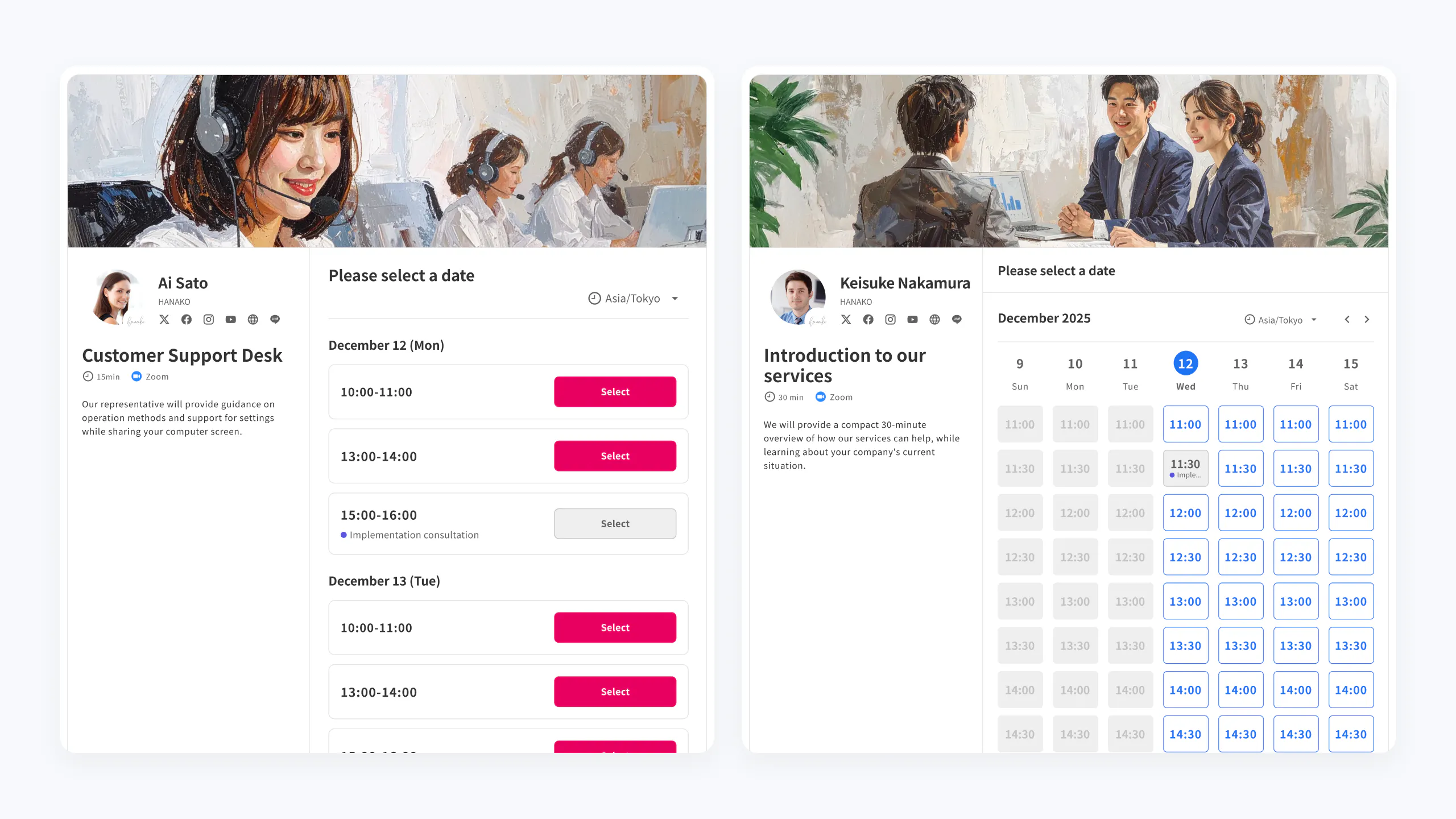
Automate the workflow before and after bookings with features like automatic assignment, Stripe payments, and reminders to eliminate manual work.

Manage webinars, training sessions, online classes, and other group events from a single booking page. Capacity limits and reminders can also be automated.
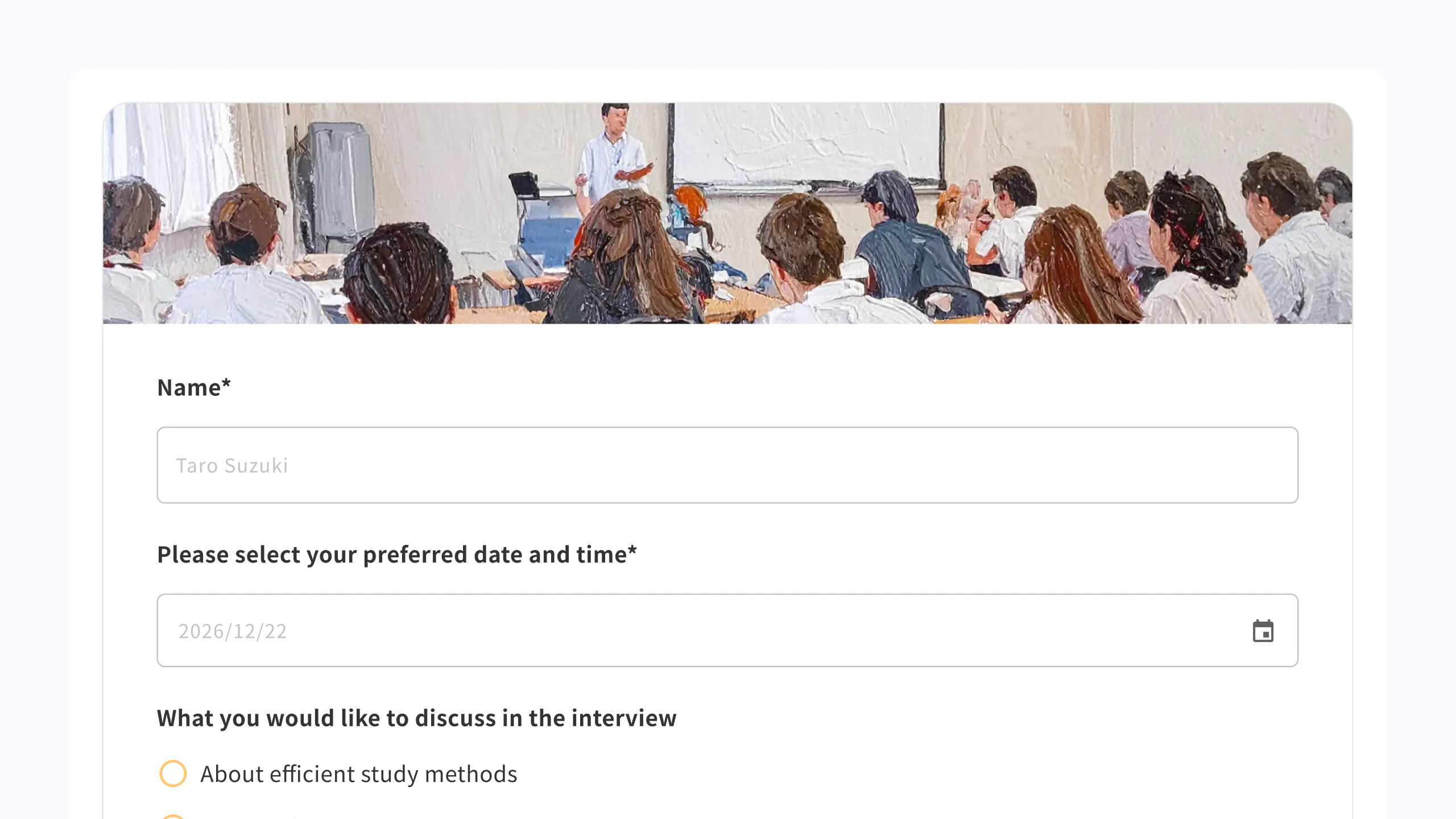
Show a booking page or completion message based on answers, and let qualified prospects choose an available time immediately. Shorten the path to conversion while keeping the form experience on brand.
Choose the right layout for your use case, from card-style one-question-at-a-time forms to vertical list layouts. Set theme colors and logos to deliver a branded input experience.
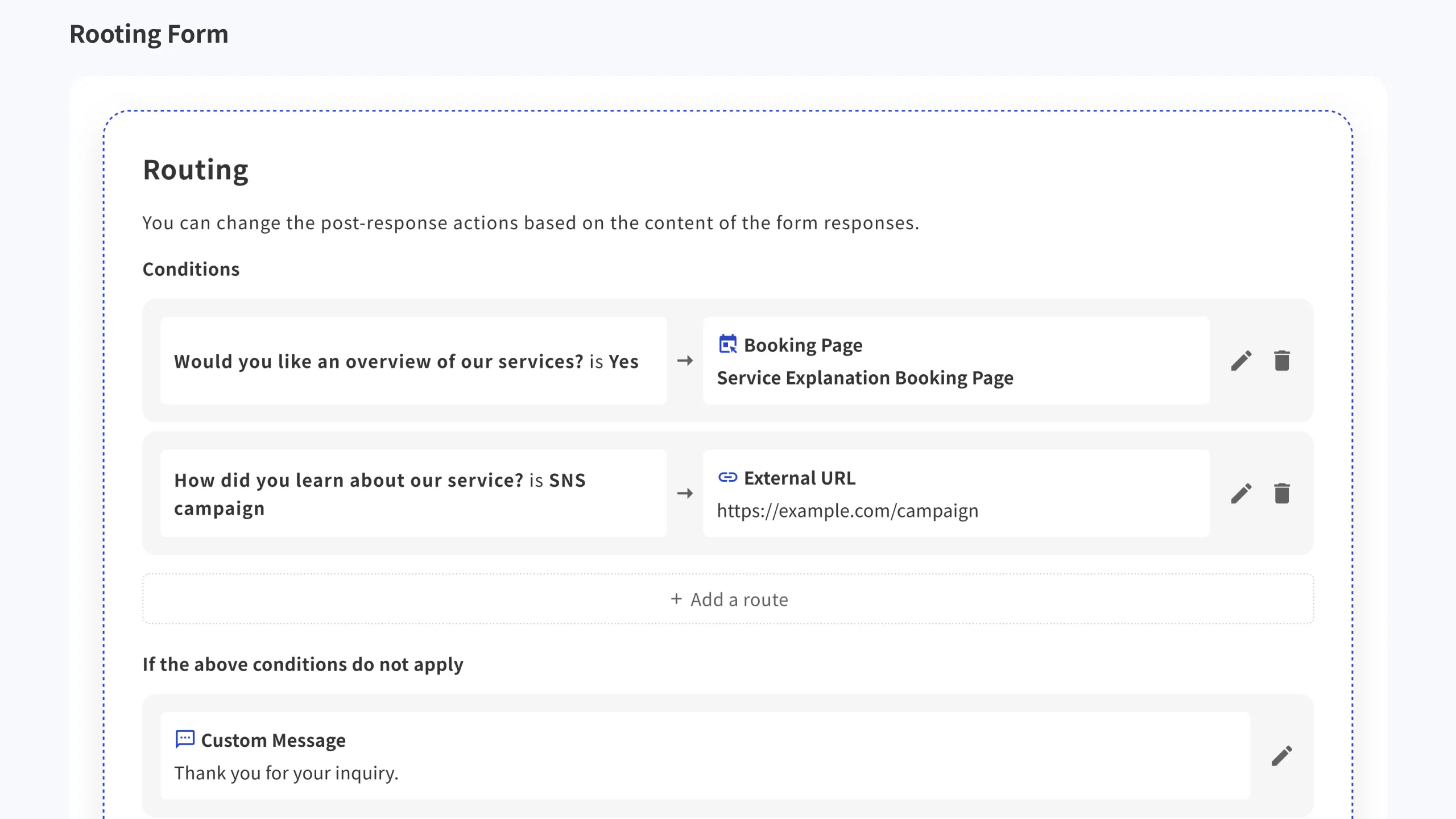
Show a booking page, completion message, or external URL based on submitted answers. After a content request or inquiry, guide qualified prospects directly into scheduling.
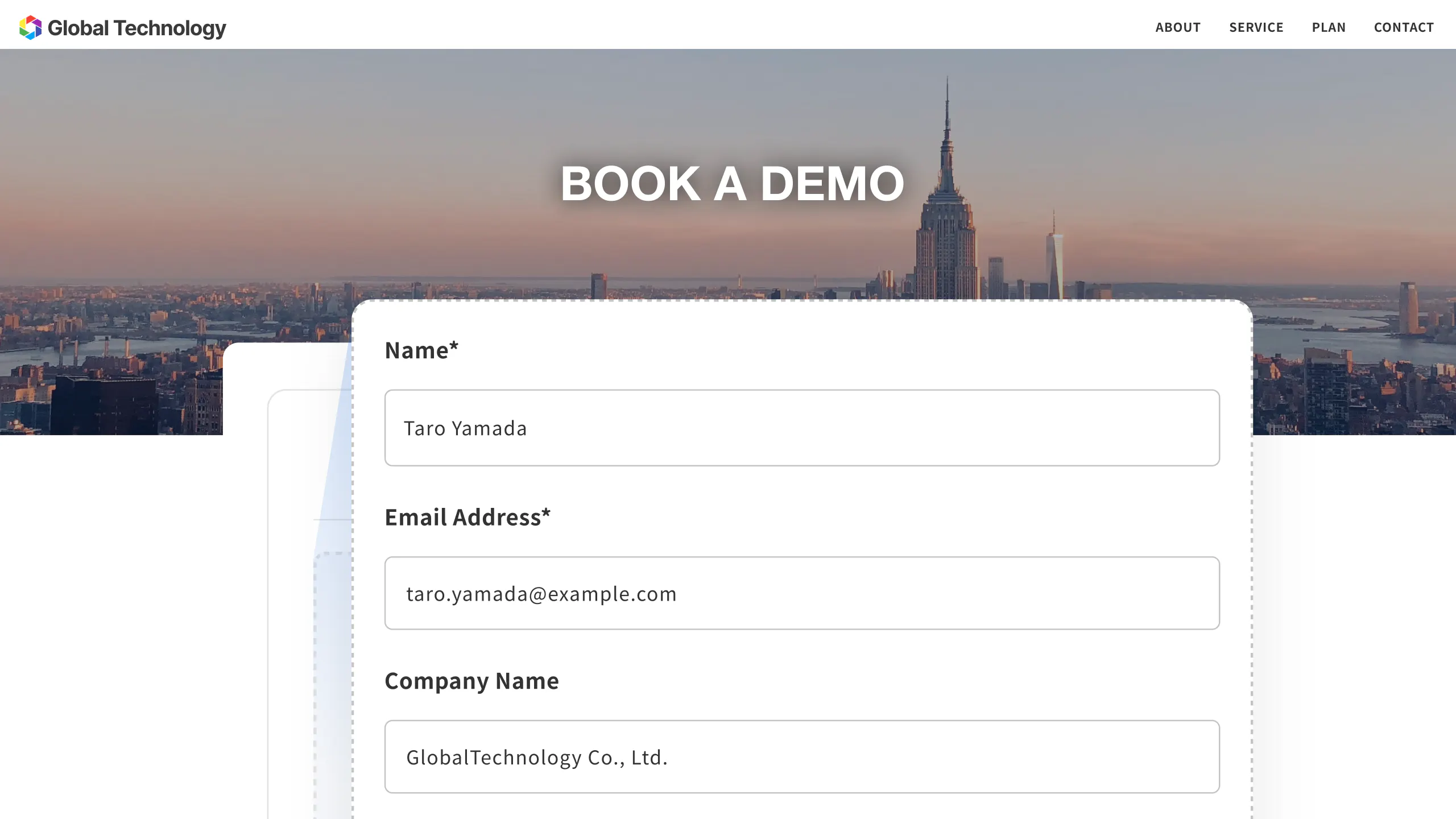
Show or hide fields based on responses and collect files during submission. Complete initial screening directly within the form.

Embed forms in your website or product without breaking the brand experience. Connect intake and booking in one seamless flow.
AI automatically analyzes meetings. Automate post-meeting work, from notes, summaries, and task extraction to follow-ups.
Automatically import Google Meet recordings and transcripts, then capture a detailed speaking timeline. Use it for meeting notes, summaries, and analysis in one flow.
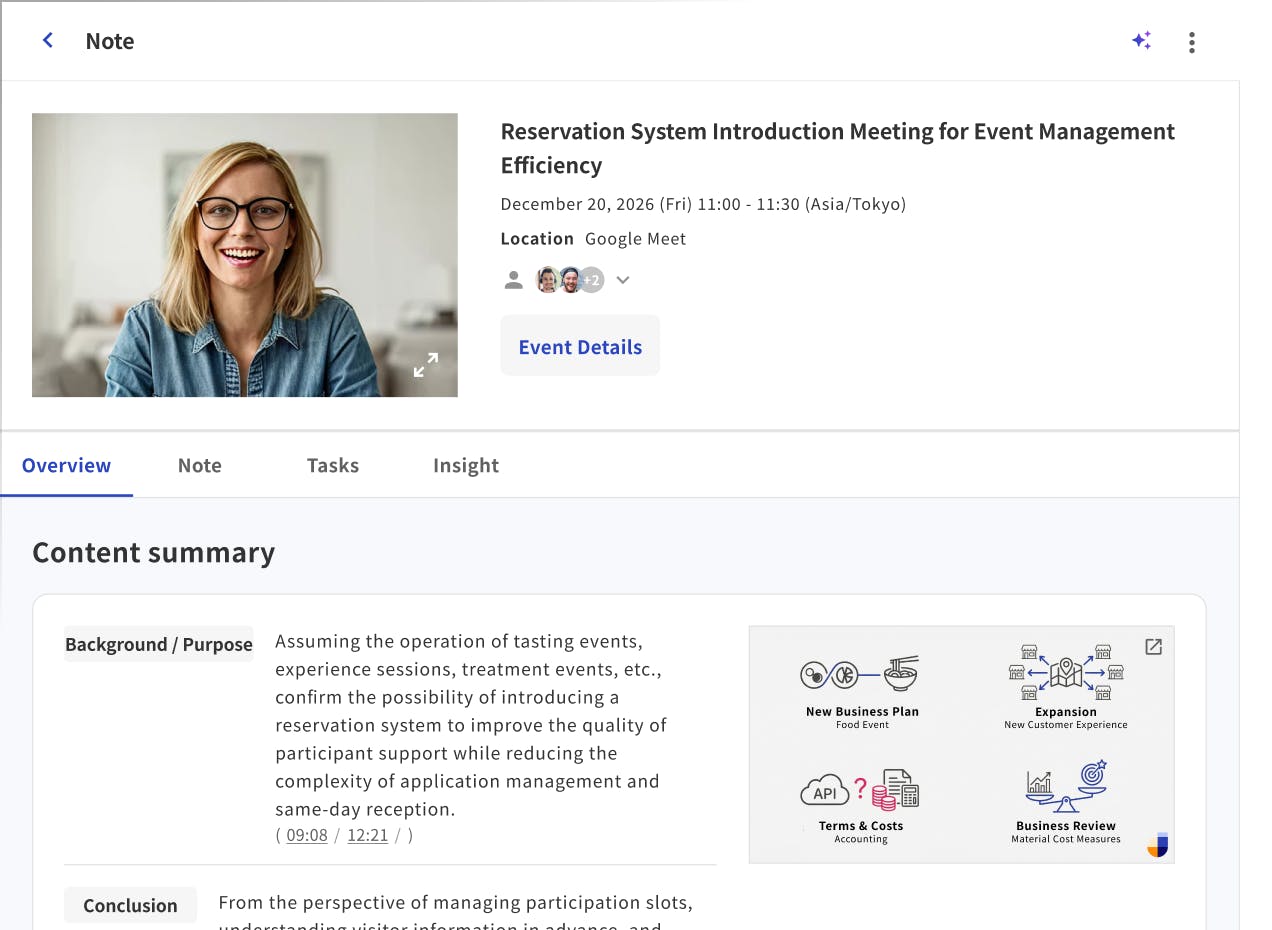
Automatically generate easy-to-read notes and summaries with templates tailored to sales calls, 1:1s, recruiting interviews, and more.
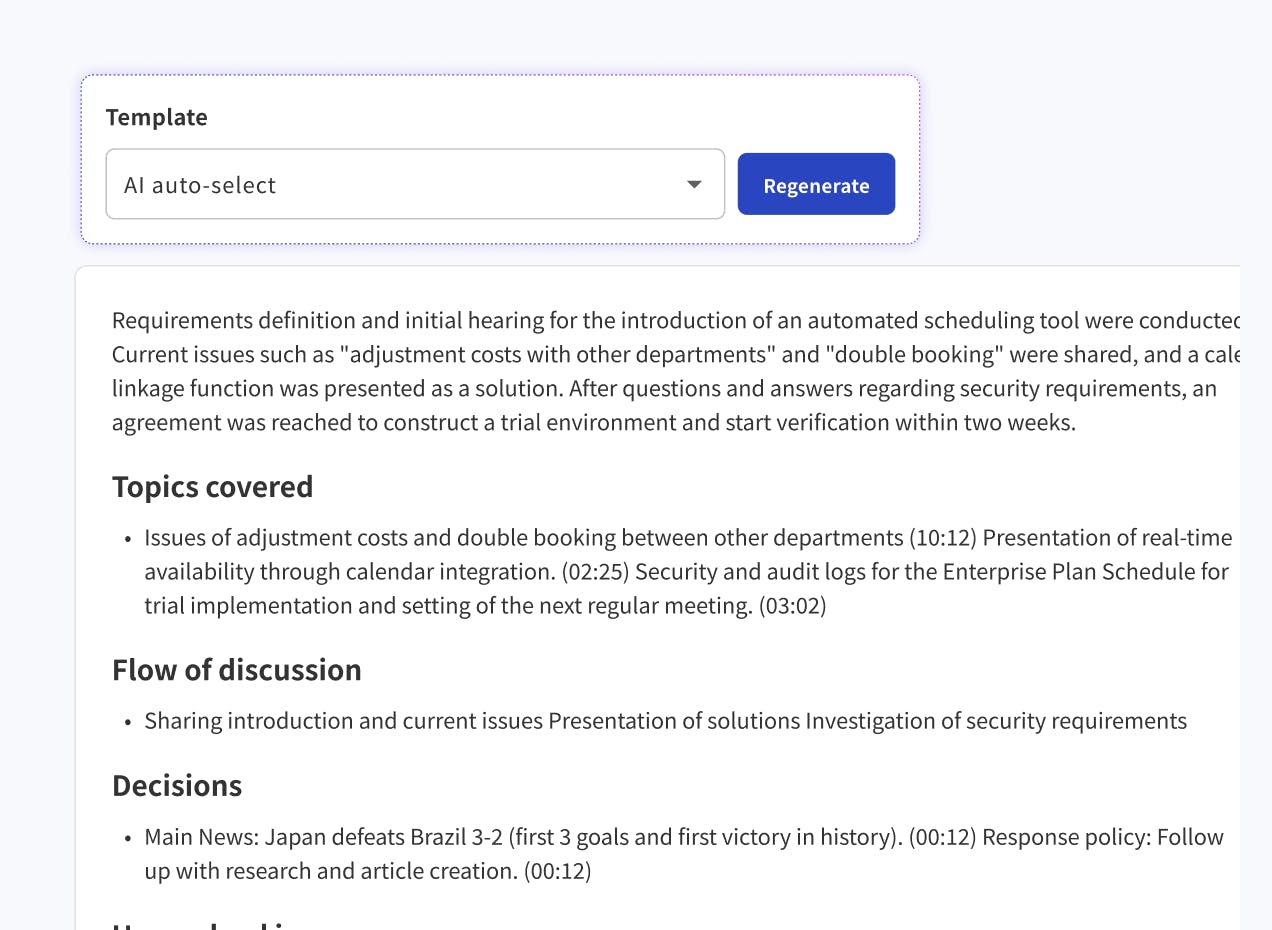
Score meeting content against defined indicators and visualize meeting quality across the team.
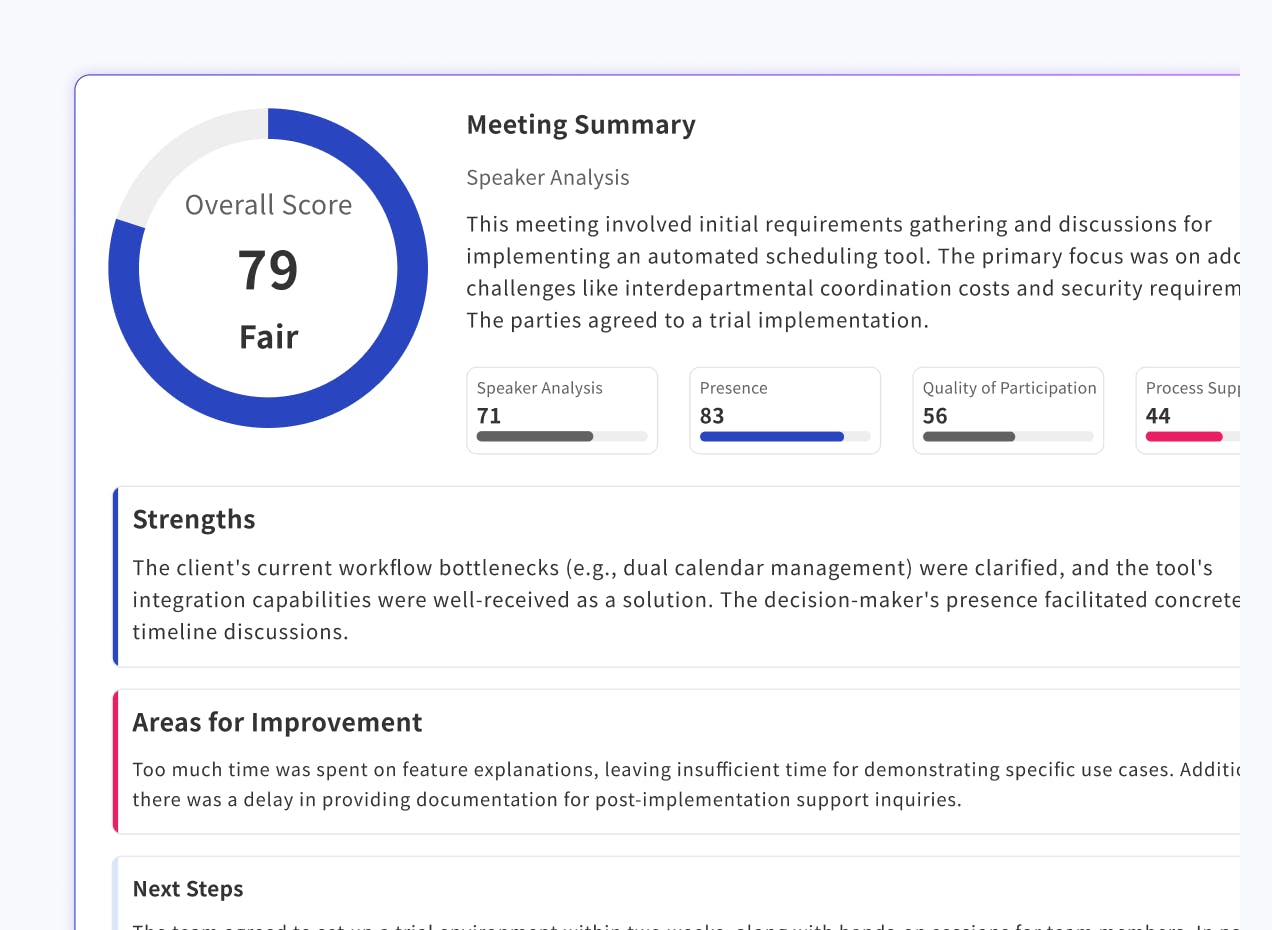
Automatically extract action items from conversations, assign owners and due dates, and share follow-up emails instantly.
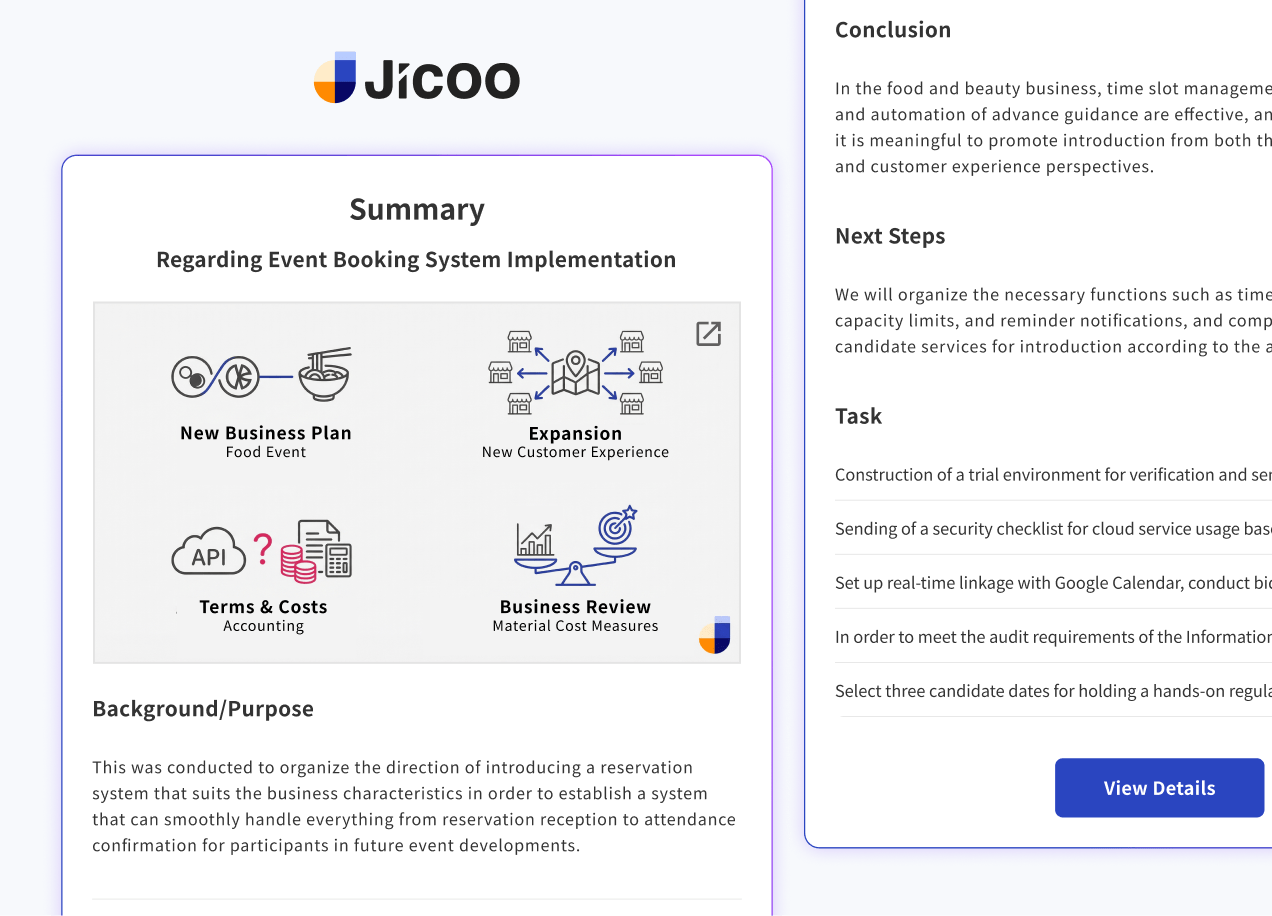
Connect smoothly with the tools around you to work more conveniently and efficiently. Get started with scheduling right away through Zoom, Slack, and Stripe integrations.





Notify bookings received, cancelled, or changed via Slack. Messages received from guests can also be received in Slack.

Once a booking is created, the data is automatically exported to a designated sheet in Google Sheets.

Automatically reflect booking form input information to Salesforce. Synchronize leads and create events.
Comprehensive admin features for enterprise organizations. Improve productivity securely and efficiently with centralized booking page management and ACL.
Allow access only from authorized IP addresses to prevent unauthorized access. Operate securely with confidence.
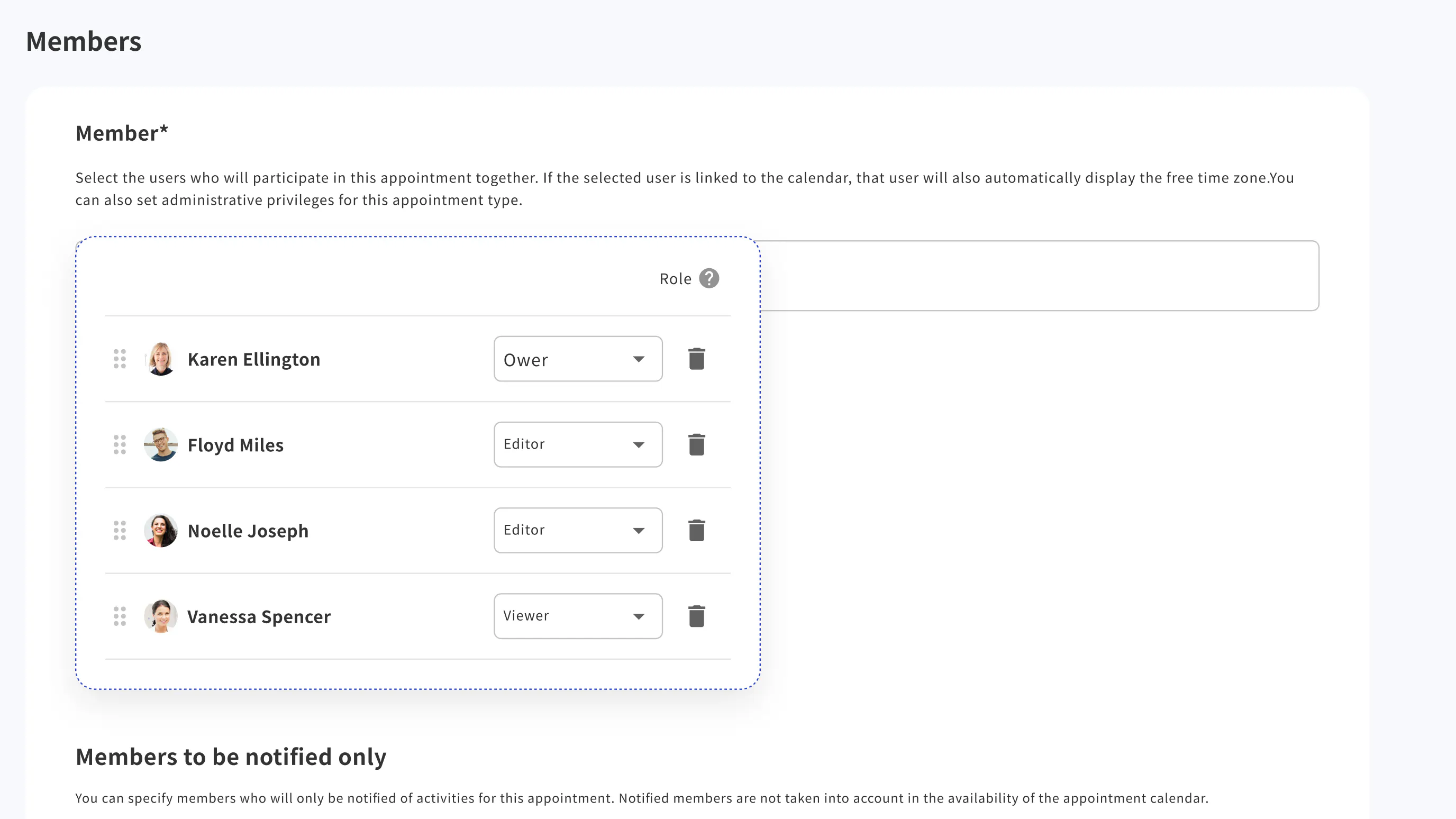
Critical operations within Jicoo are recorded and reviewable by administrators for secure operations.

Manage permissions for members, admins, and owners across booking page editing, member management, and more.
Visualize daily schedule totals with bar charts to estimate workload and review team performance.

Use Jicoo's rich scheduling features to freely embed them into your own applications through the API.

Use REST API to integrate with your own applications. You can reference and create booking data from your own programs.

Embed booking pages and forms freely into websites, blogs, etc. Customization of design and colors is also possible.

Use Webhook to integrate with external applications. Implement customized actions when bookings are made.

Encrypt your company's service account information using strong encryption algorithms, automatically set it in the booking page forms, and send securely. Achieve conversions without compromising customer UX.
Jicoo protects data with a secure system certified through external audits and advanced admin features such as ACL.


Automate the PDCA cycle from scheduling to meeting analysis. Connect with the services you already use to improve team productivity.