
Restrict access by IP address
With Jicoo, you can register allowed IP addresses to limit viewing the dashboard and admin screens, and downloading booking and form response CSVs, to access from those IP addresses.
PlanBusiness / Enterprise
- Target Users
- About the feature
- Configure with a security rule
- Specify multiple IP addresses
- What is restricted
- Combine with other conditions
- How to use
- Requirements
- Limitations
- Frequently Asked Questions
With Jicoo, you can register allowed IP addresses to limit viewing the dashboard and admin screens, and downloading booking and form response CSVs, to access from those IP addresses.
Target Users
- Those who want to use Jicoo with restricted access to the dashboard and increased security
- Those who want to set up restrictions by IP address to suit their own situation
About the feature
Configure with a security rule
You set the restriction as a "Security Rule". You can give the rule a name and a description to suit your use.
Specify multiple IP addresses
You can specify multiple allowed IP addresses as IPv4 addresses or IPv4 CIDR ranges. Normally you can register up to 50. If you want a higher limit, please contact us.
What is restricted
The IP restriction can apply to viewing dashboard and admin pages, and to downloading booking and form response CSVs. From any other IP address, you cannot open the target pages or download the CSVs.
Combine with other conditions
In the same rule, you can also set conditions on the roles of team members or on specific members. When you specify multiple conditions, access is allowed only when all of them are met.
How to use
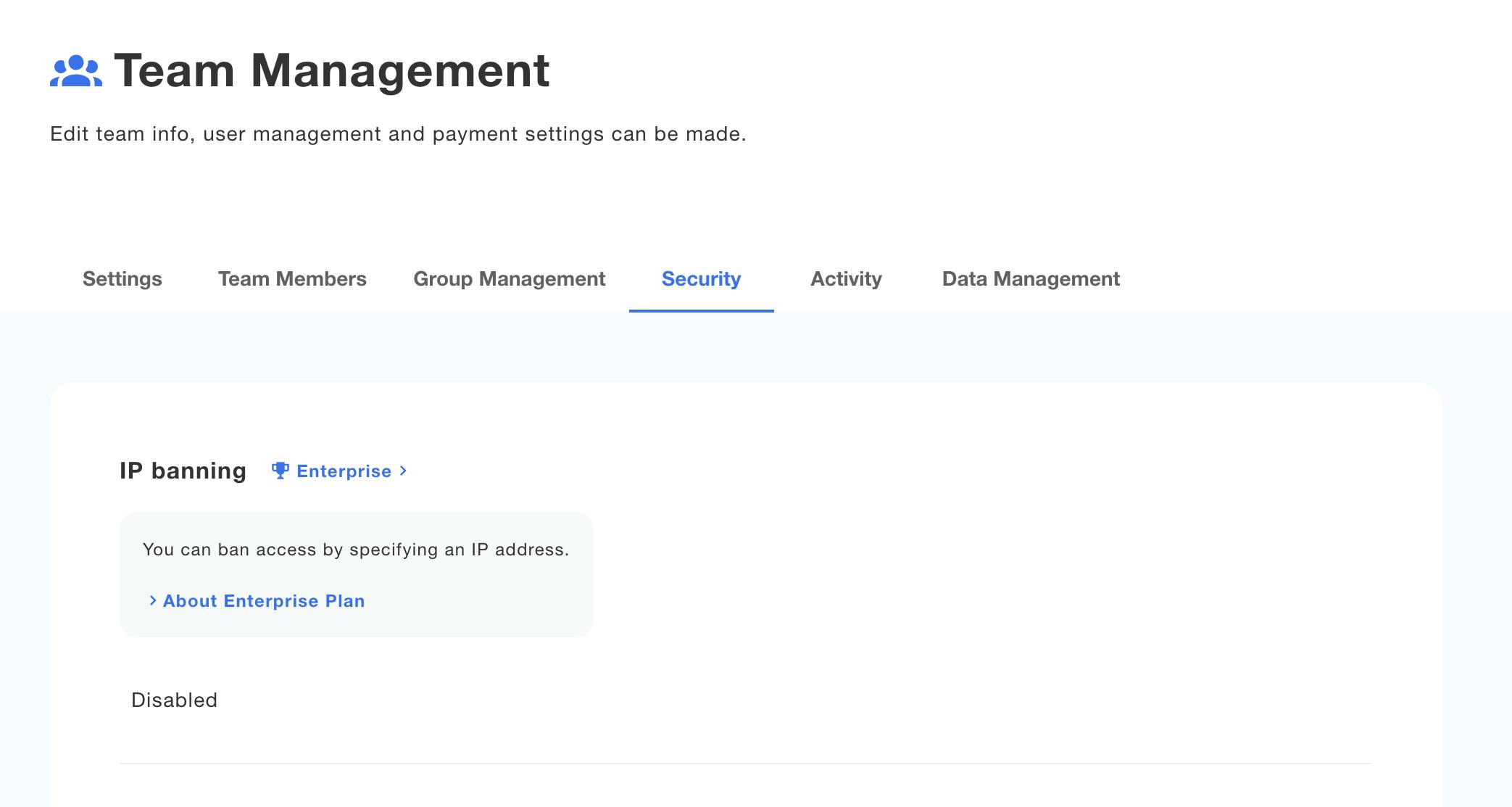
Open "Security" from "Settings" in the menu, and add a rule under "Security Rule".
Requirements
- Available on the Business plan and above.
- Owners and Admins can set it up.
Limitations
- IPv6 addresses cannot be specified. You can register up to 50 allowed IPs, and a rule that includes IPv6 cannot be saved.
- The restriction applies to dashboard and admin pages. The public booking pages and team pages that guests open are not covered, and there is no feature to protect a booking page with a password.
- It is not a setting that blocks logging in.
- If the source IP address cannot be identified, access is not allowed.