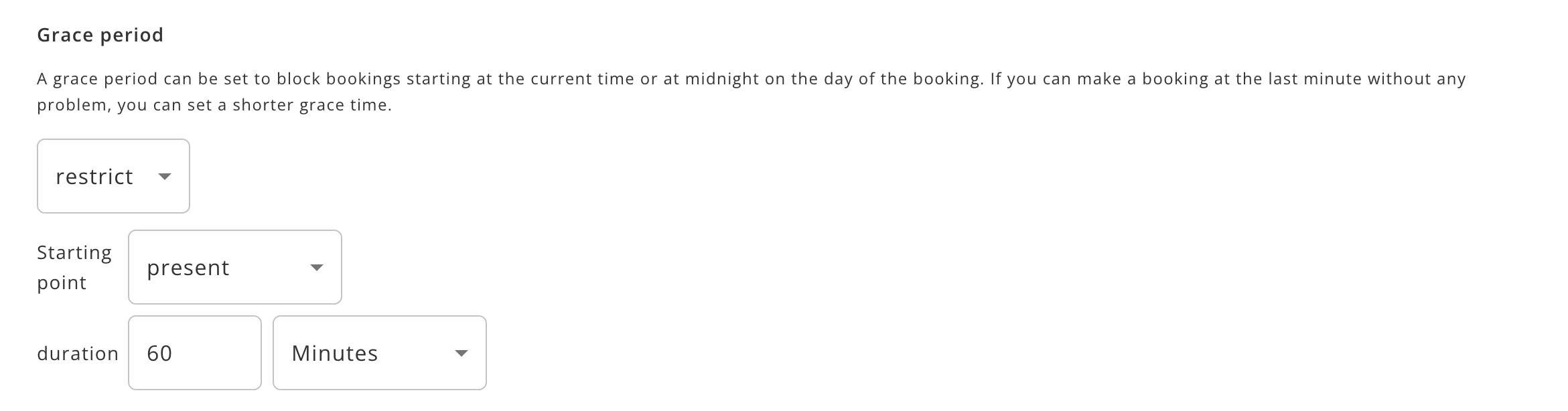
Grace period
Manage Availability allows you to set a grace period to block bookings, starting at the current time or at midnight on the day of the booking.
PlanPro / Team / Free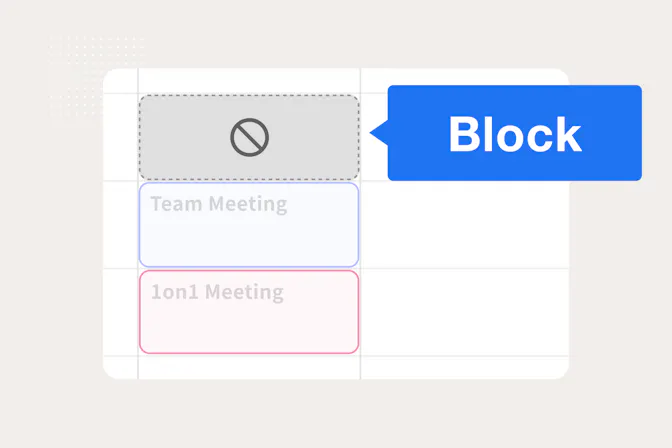
Table of Contents
- Target users
- Features
- Grace time can be set
- Flexible settings are available.
- Easy to set up
- Usage
Target users
- People who want more flexibility in scheduling
- Users who want to reduce the time and effort involved in scheduling through Jicoo.
Features
Grace time can be set
You can set a grace period to block bookings starting at the current time or at midnight on the day of the booking.
Flexible settings are available.
If you are able to make a booking at the last minute, you can set a shorter grace time.
Easy to set up
You can easily set up a blocked booking by editing the relevant booking page.
Usage
Go to “Edit” > “Availability” > “Grace Period” to set the grace period.