
Scheduling between other parties
With Jicoo, you can coordinate a meeting between other parties, such as a company and a candidate, through a meeting poll without attending it yourself.
PlanIndividual / Team / Business / Enterprise
- Target users
- About the feature
- Setting candidate dates
- Sharing
- Vote visibility
- Reviewing and confirming the results
- After confirmation
- Usage
- Requirements
- Limitations
- Frequently Asked Questions
With Jicoo, you can coordinate a meeting between other parties, such as a company and a candidate, through a meeting poll without attending it yourself.
Target users
- People who arrange interviews or meetings between other parties without attending, such as recruitment agencies and recruiting process outsourcers
About the feature
When you choose "Intermediary (Do not participate in the schedule)" as the attendance type of a meeting poll, the date is coordinated as a meeting between the people who vote. If you choose "Join the schedule", you are included in the meeting as well.
Setting candidate dates
You can set candidate dates and times at once on the calendar. Recipients vote for the dates that suit them from the candidates.
Sharing
You can share the poll page by URL or by email. When you share by email, choosing "Bulk" as the sequence type sends the request to everyone at once, and choosing "Sequentially" sends the request email to the next recipient after the previous recipient has voted.
Vote visibility
If you set "Vote visibility" to "Display", the poll page shows information about the people who selected each time slot.
Reviewing and confirming the results
You can see the response status of each recipient on the poll results screen. You can resend the email to recipients who have not responded or skip a recipient in the order. The host confirms the date after reviewing the results.
After confirmation
The host can check the confirmed meeting on the dashboard.
Usage
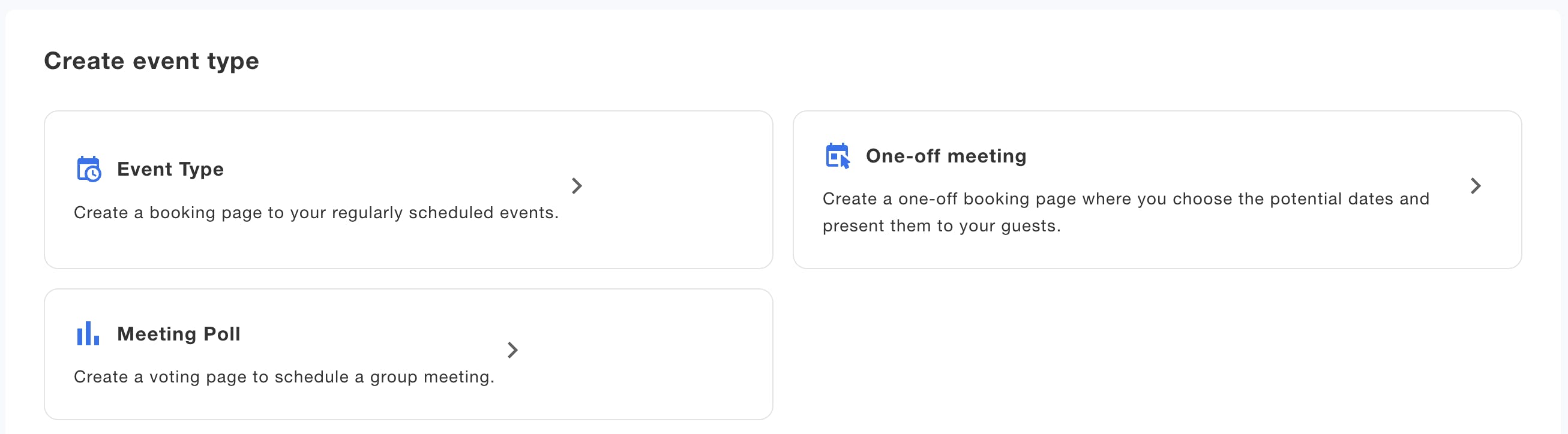
On the booking page creation screen, select the meeting poll, choose "Intermediary (Do not participate in the schedule)" as the attendance type, and create the page.
Requirements
- Available on the Individual plan and above.
Limitations
- The date is not confirmed just because the recipients vote. The host confirms it after reviewing the poll results.
- Even when you choose "Sequentially", the candidate dates shown on a later recipient's poll page are not reduced by the earlier recipients' responses.